
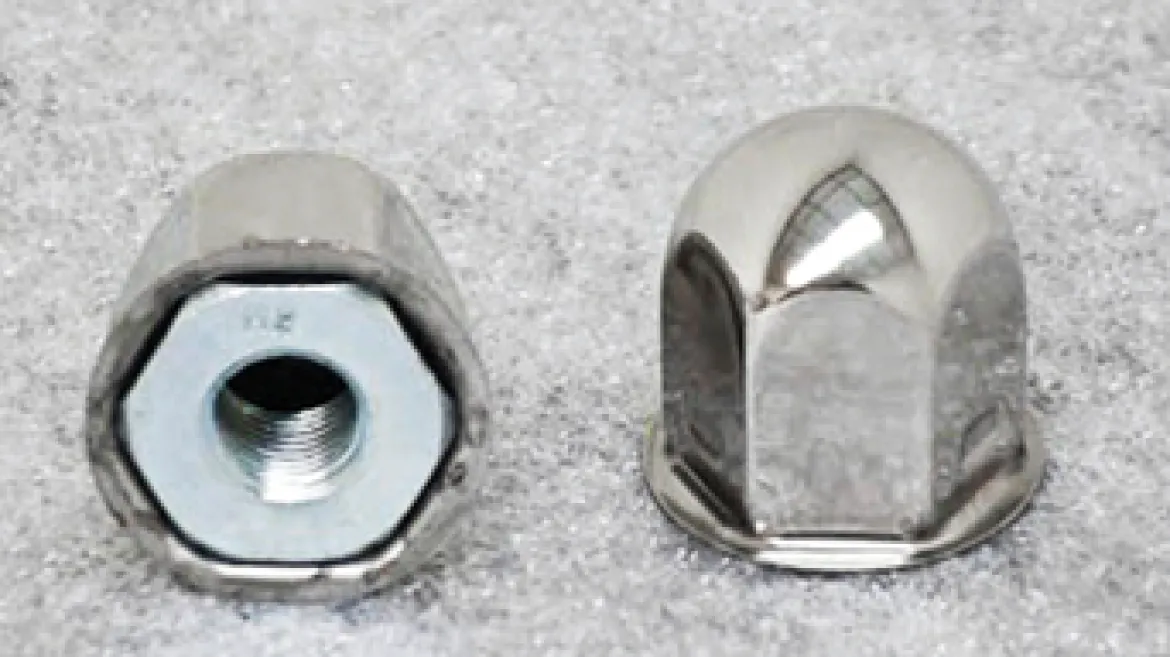
Phoenix USA GDF16/ND1719/NF22/NF23/NF25 Jam Nut w/ Cover (PNF22LNT)
Original price was: $5.00.$3.89Current price is: $3.89.
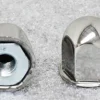
The Phoenix USA GDF16/ND1719/NF22/NF23/NF25 Jam Nut w/ Cover (PNF22LNT) is a crucial component for ensuring both the secure installation and the aesthetic appeal of your Phoenix USA wheel simulator kits. This part combines the functionality of a jam nut with the polished look of a stainless steel cover, providing a clean and finished appearance to your wheels. Designed for a precise fit, the integrated M14 x 1.5 fine thread pitch ensures compatibility with specific wheel studs used in conjunction with the designated simulator models. The 1 3/8″ height and 1 1/8″ hex size make it easy to handle and install while maintaining a low-profile appearance. Sold individually, this jam nut with cover is an essential piece for maintaining the integrity and visual appeal of your wheel simulator system.
KEY FEATURES AND BENEFITS:
- Integrated Design: Combines a functional jam nut with a cosmetic cover in one single part, simplifying installation.
- Precise Fit: Features an M14 x 1.5 fine thread pitch, ensuring secure attachment to compatible wheel studs.
- Enhanced Aesthetics: The polished stainless steel cover provides a clean, bright, and professional look to the wheel.
- Durable Material: The stainless steel cover offers resistance to corrosion and wear, maintaining its appearance over time.
- Specific Compatibility: Designed for use with Phoenix USA wheel simulator kits GDF16, ND1719, NF22, NF23, and NF25, guaranteeing proper fitment.
- Easy Installation: The 1 1/8″ hex allows for straightforward tightening and removal using standard tools.
SPECIFICATIONS:
- Product Name: Phoenix USA Jam Nut w/ Cover
- Part Number: PNF22LNT
- Thread Size: M14 x 1.5 (Fine Thread Pitch)
- Height: 1 3/8 inches
- Hex Size: 1 1/8 inches
- Material (Cover): Polished Stainless Steel
- Compatibility: Phoenix USA Wheel Simulator Kits GDF16, ND1719, NF22, NF23, NF25
HOW TO USE:
- Identify the Correct Wheel Stud: Ensure the wheel stud on your vehicle matches the M14 x 1.5 thread specification required for this jam nut.
- Position the Wheel Simulator: Place the Phoenix USA wheel simulator onto the wheel, aligning the mounting holes.
- Thread the Jam Nut with Cover: Take the PNF22LNT jam nut with cover and thread the internal jam nut onto the exposed wheel stud.
- Tighten the Jam Nut: Using a 1 1/8″ wrench, carefully tighten the jam nut. Ensure it is snug enough to securely hold the wheel simulator in place without over-tightening. Refer to the wheel simulator manufacturer’s instructions for recommended torque specifications if available.
- Inspect the Fit: Once tightened, ensure the wheel simulator is firmly attached and the polished cover provides a clean finish over the jam nut.
BENEFITS OF USING THE PHOENIX USA GDF16/ND1719/NF22/NF23/NF25 JAM NUT W/ COVER (PNF22LNT):
- Ensures a secure and reliable attachment of the wheel simulator to the vehicle’s wheel studs.
- Improves the visual appeal of your wheels with a polished stainless steel finish.
- Eliminates the need for separate jam nuts and covers with its all-in-one construction.
- Reduces installation time and simplifies maintenance processes.
- Offers long-term durability and resistance to corrosion from environmental exposure.
FEATURES:
- One-piece construction for simplified mounting.
- M14 x 1.5 threading engineered for a specific and secure grip.
- Bright, reflective stainless steel finish for an enhanced visual upgrade.
- 1 3/8″ overall height designed for a balanced and proportionate look.
- 1 1/8″ external hex allows for easy wrench access during installation and removal.
- Specifically engineered for compatibility with designated Phoenix USA wheel simulator models.
Be the first to review “Phoenix USA GDF16/ND1719/NF22/NF23/NF25 Jam Nut w/ Cover (PNF22LNT)”
Related products
Ac Couplers And Adapters
Ac Couplers And Adapters
Mastercool Coupling Adapter 1/2″ ACME-Female X 1/4″ FL-Male R134a (82635)
Ac Oil And Oil Charge
Uview Spotgun ESTER 100 Oil Cartridge Precision Injection (8 oz.) (488108E)

Ac Recovery And Recycling
Ac Oil And Oil Charge
Uview Spotgun PAG 100 Oil Cartridge Precision Injection (8 oz.) (488100P)
Ac Recovery And Recycling
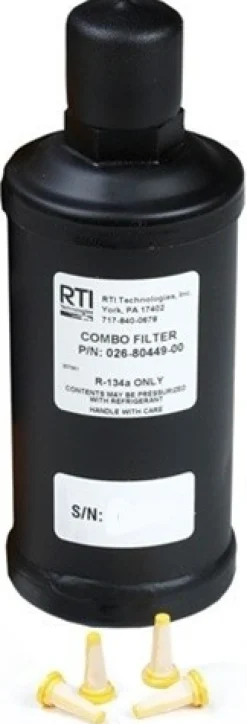
Mahle ArcticPRO Maintenance Combo Filter for ACX1280 & ACX1285 (360 82739 00)
Ac Oil And Oil Charge
Uview 125-Viscosity PAG Oil Cartridge Precision Application (8 oz.) (488125P)
Ac Recovery And Recycling
Ac Recovery And Recycling
Mahle ArcticPRO Replacement High-Capacity Combo Filter (360 83254 00)
Ac Recovery And Recycling
CPS Products Refrigerant Identifier for R-134a – Go/No Go w/ Manual Pump (RIMINI)
Ac Recovery And Recycling
Robinair Spin-On Recycling Filter Drier for HVAC Recovery (34724)
Ac Recovery And Recycling
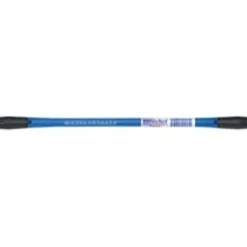
American Forge & Foundry Parts Suction Hose Assembly (8895K54)
Ac Service Tools
Ken-Tool ValveCapperPro Cap & Core Remover Installer (29999)

Ac Oil And Oil Charge
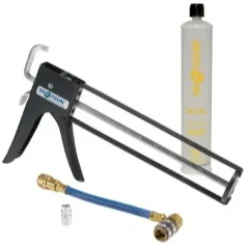
Uview eBOOST with A/C Dye and Universal Oil – Services 6 Vehicles (1 oz) (499019)
Ac Oil And Oil Charge
Ac Recovery And Recycling
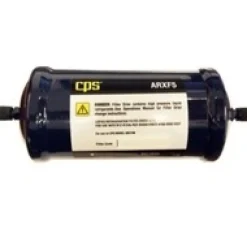
CPS Products 41 Cubic Inch Replacement Filter Drier Recovery Machine (ARXF5)
Reviews
There are no reviews yet.