
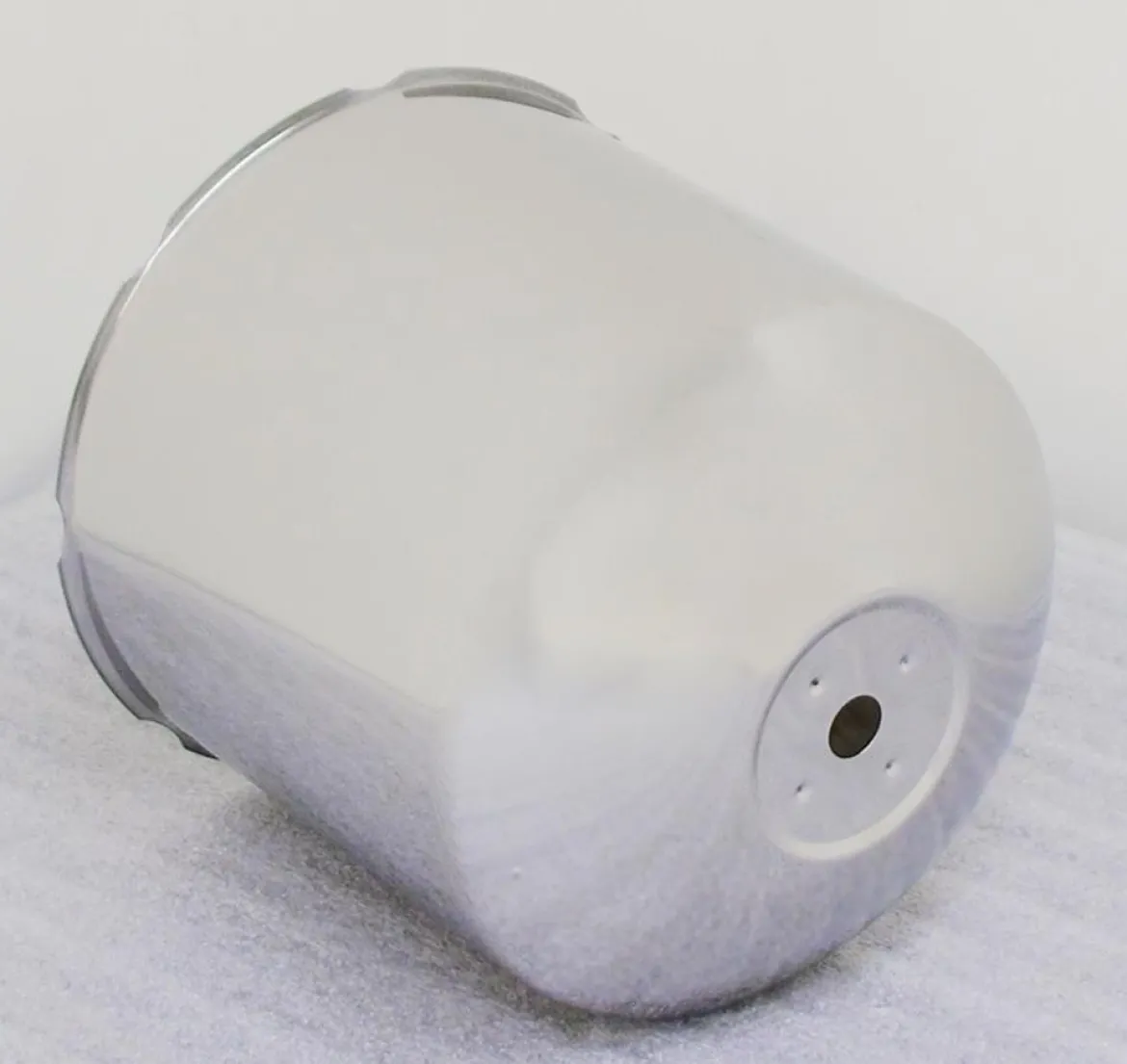
Phoenix USA 10 Lug On 285mm & 11.25″ Bolt Hub Cover Rear (PH1764)
Original price was: $43.00.$30.99Current price is: $30.99.
The Phoenix USA 10 Lug On 285mm & 11.25″ Bolt Hub Cover Rear (PH1764) is a replacement component specifically engineered for the rear wheels of vehicles equipped with a 10-lug pattern on either a 285mm or an 11.25″ bolt circle. This hub cover is designed for bolt-on installation and features a top hole mounting style. It serves as a direct replacement part for several Phoenix USA wheel simulator kits, ensuring compatibility and seamless integration. Sold individually, this hub cover is essential for maintaining the integrity and appearance of your existing Phoenix USA wheel simulator system.
KEY FEATURES AND BENEFITS:
- This rear hub cover is a direct replacement for specific Phoenix USA wheel simulator kits, ensuring a precise fit and easy installation.
- Designed for 10-lug wheels with both 285mm and 11.25″ bolt circle dimensions, it offers versatility for compatible applications.
- The bolt-on installation with a top hole mount provides a secure and straightforward attachment process.
- Using this genuine Phoenix USA part helps maintain the intended look and functionality of your wheel simulator system.
- Sold individually, it allows for targeted replacement as needed.
SPECIFICATIONS:
- Brand: Phoenix USA
- Manufacturer Part Number: PH1764
- Part Type: Wheel Simulator Replacement Parts
- Product Line: Phoenix Replacement Wheel Simulator Hub Covers
- Position: Rear
- Lug Count: 10
- Bolt Circle: 285mm / 11.25″
- Installation: Bolt-on
- Mounting Style: Top Hole Mount
- Quantity: Sold individually
- Compatibility: Phoenix USA Q2010, Q2010L, Q2010XL, Q2020, Q2020L, Q2020S, Q2020XL wheel simulator kits
HOW TO USE:
- Identify the Wheel: Ensure you are working on a rear wheel with a 10-lug pattern and either a 285mm or 11.25″ bolt circle.
- Remove Existing Hub Cover (if applicable): If replacing an old or damaged hub cover, carefully remove it by unscrewing or detaching any existing mounting hardware.
- Position the New Hub Cover: Align the new Phoenix USA PH1764 hub cover with the wheel hub and the bolt holes. Ensure the top hole is oriented correctly for mounting.
- Secure with Mounting Hardware (not included): Using the appropriate mounting hardware (typically bolts or screws, sold separately), carefully attach the hub cover to the wheel hub through the designated holes, including the top mounting hole.
- Tighten Fasteners: Gradually tighten all mounting fasteners in a star pattern to ensure even pressure and a secure fit. Avoid over-tightening.
- Inspect: Once installed, double-check that the hub cover is securely attached and does not interfere with any wheel components.
BENEFITS OF USING THE PHOENIX USA 10 LUG ON 285MM & 11.25″ BOLT HUB COVER REAR (PH1764):
- Utilizing the Phoenix USA PH1764 Hub Cover ensures proper compatibility with your existing Phoenix USA Q2010 or Q2020 series wheel simulator kit.
- As a genuine replacement part, it helps maintain the original aesthetic and design of your wheel simulator system.
- The specific fit for 10-lug wheels with 285mm or 11.25″ bolt circles guarantees a secure and correct installation.
- Replacing damaged or missing hub covers helps protect the wheel hub area from dirt and debris.
- The bolt-on installation provides a reliable and firm attachment to the wheel.
FEATURES:
- Specifically designed as a rear wheel replacement part.
- Engineered for 10-lug wheel configurations.
- Accommodates both 285mm and 11.25″ bolt circle diameters.
- Utilizes a top hole mount for secure attachment.
- Directly compatible with Phoenix USA Q2010, Q2010L, Q2010XL, Q2020, Q2020L, Q2020S, and Q2020XL series wheel simulator kits.
- Offers a bolt-on installation method for ease of use.
- Sold as a single unit, allowing for individual replacement.
Be the first to review “Phoenix USA 10 Lug On 285mm & 11.25″ Bolt Hub Cover Rear (PH1764)”
Related products
Ac Couplers And Adapters
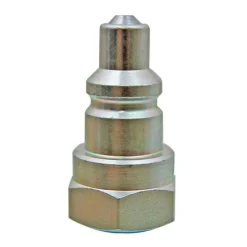
Esco Equipment 10625 Male Coupler With Female Threads, Quick Connect
Ac Couplers And Adapters
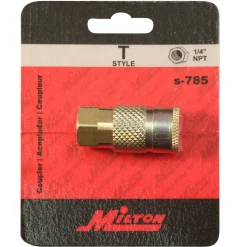
Milton S785 1/4″ FNPT Female T-Style Air Compressor Quick Connect Coupler
Ac Couplers And Adapters
Ac Couplers And Adapters
Yellow Jacket R-410A Quick Coupler 5/16″ Female to 1/4″ Male Flare (19173)
Ac Couplers And Adapters
Yellow Jacket 1/4″ Male Flare Add-A-Hose Coupler for HVAC Systems (19144)
Ac Couplers And Adapters
RapidAir K7220 Push Button Safety Air Quick Coupler, 1/4 FNPT, Black
Ac Couplers And Adapters
Ac Oil And Oil Charge
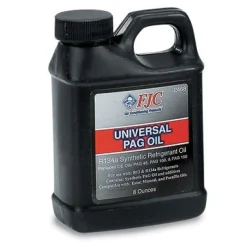
FJC Universal PAG Oil for R134a and R1234yf Systems, 8 oz (2468)
Ac Couplers And Adapters
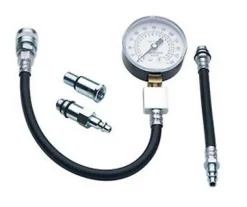
ATD Tools PRT5578-A 3.5″ Gauge w/ Quick Coupler For ATD-5578
Ac Oil And Oil Charge
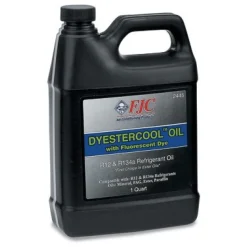
FJC Dyestercool Synthetic Refrigerant Oil Quart Enhanced Formula (2445)
Ac Couplers And Adapters
Ac Couplers And Adapters
Ac Oil And Oil Charge
FJC PAG-46 Oil Charge for Automotive Air Conditioning Systems (9142)
Ac Couplers And Adapters
Mastercool 67434 High Side R1234yf 10 mm – F x 17 mm Quick Coupler
Ac Couplers And Adapters
Milton S303MKIT ColorFit Coupler & Plug Kit – (M-Style, Red) – 1/4″ NPT, 3-Piece
Ac Oil And Oil Charge
Uview Spotgun A/C PAG 46 Oil Cartridge Precise Injection (8 oz.) (488046P)
Reviews
There are no reviews yet.